QuantPower app download on Android
- Open the listing. Go to QuantPower on Google Play on your Android phone, or search for QuantPower in the Play Store.
- Install it. The download is free. Do not install QuantPower from APK files shared on WhatsApp, Telegram or email.
- Log in, or sign up and start a free trial.
- Connect your broker. You log in on your broker's own page, with its two-factor check, once each trading day.
- Start in paper trading. Try a strategy with virtual money before you trade live.
Use QuantPower on the web
Log in at quantpower.tech/login from Chrome, Edge, Firefox or Safari. The web platform suits work that needs a larger screen: building strategies, running backtests and watching several charts side by side. On an iPhone or iPad, use the web platform in Safari.
What works on the phone
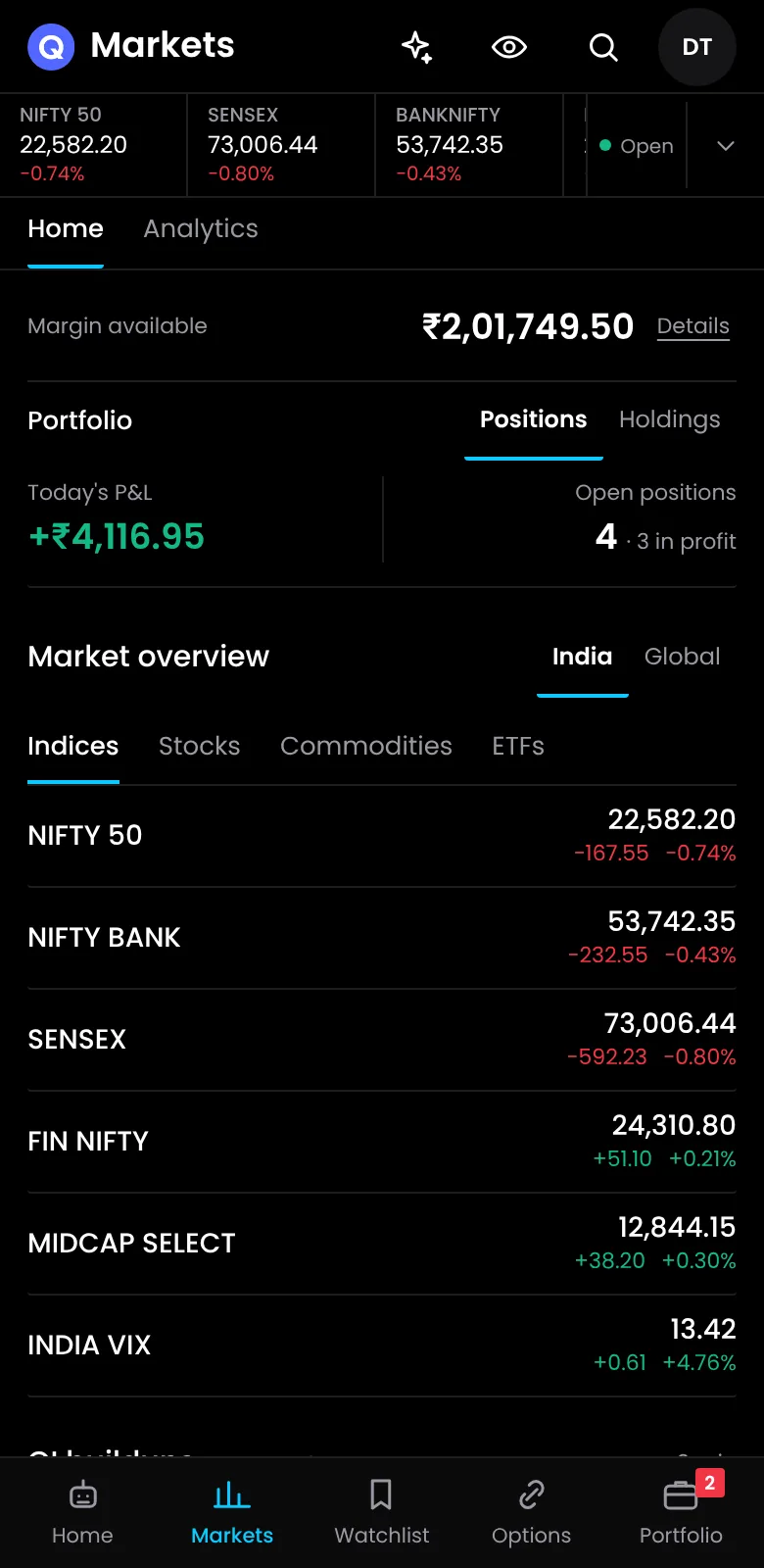
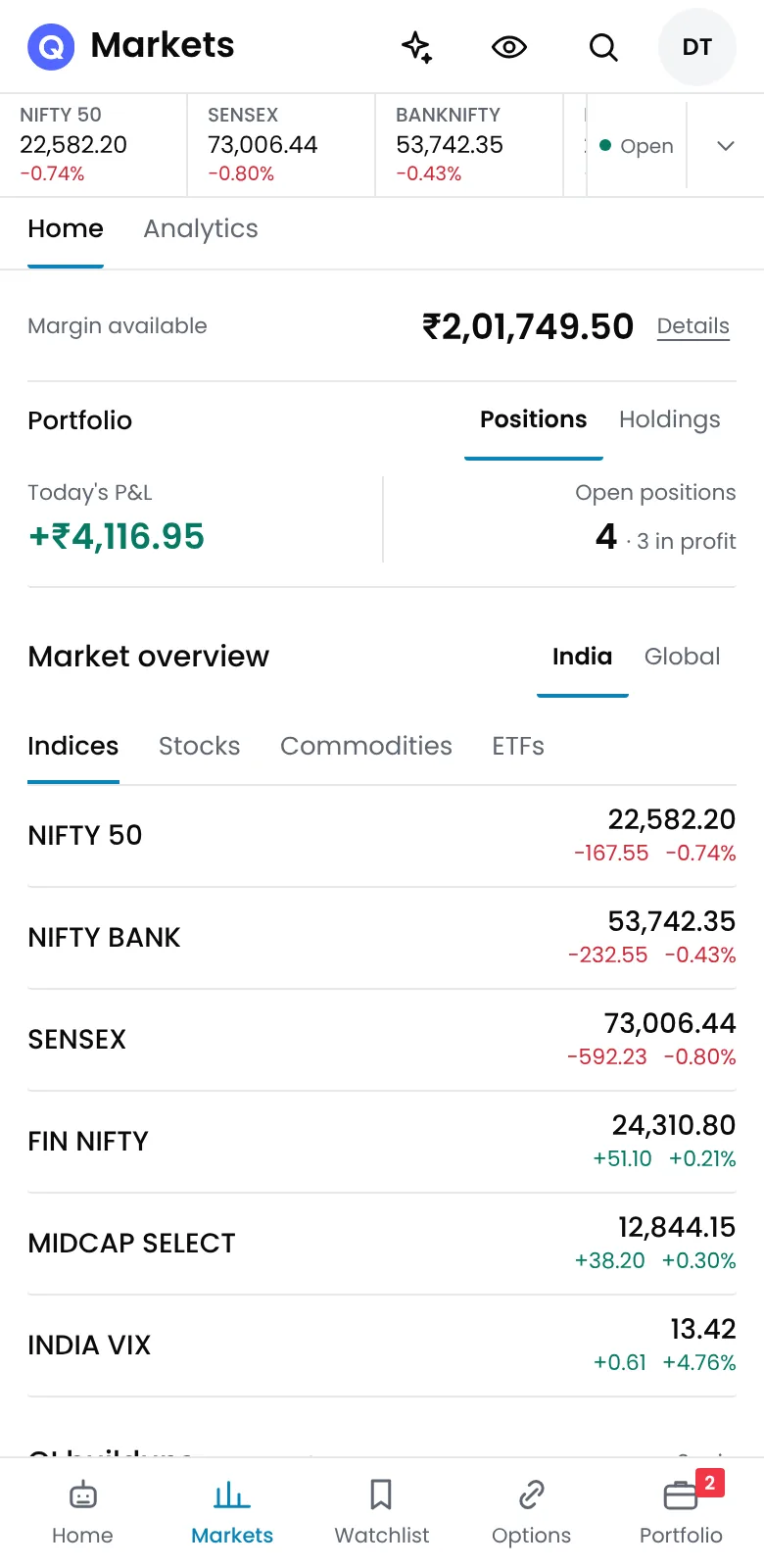
The app is meant for the trading day: checking positions and P&L, reading the option chain, keeping an eye on running bots, starting or stopping them, getting market alerts and exiting a position when you need to.
| Task | Where it works best |
|---|---|
| Checking positions and P&L during the day | Phone or web |
| Exiting a position quickly | Phone or web |
| Reading the option chain | Phone or web |
| Building a strategy with several legs and rules | Web, on a laptop or desktop |
| Backtesting and reading the results | Web, on a laptop or desktop |
| Watching several charts side by side | Web, on a large screen |
A good routine is to build and test on the laptop, then follow the day on the phone.
Devices per plan
Each plan sets how many devices you can use QuantPower on. If you plan to use it on a phone and a computer, choose a plan that covers at least two devices.
| Plan | Price per month | Devices |
|---|---|---|
| Standard | Proposed ₹299, GST extra | Final allowance pending; see pricing |
| Professional | Proposed ₹499, GST extra | Final allowance pending; see pricing |
| Ultimate | Proposed ₹999, GST extra | Final allowance pending; see pricing |
QuantPower pricing lists everything each plan includes.
Your broker account and the app
The app does not hold money. Your funds and positions stay in your broker account, and orders go through your broker's official API. Your own strategies run in QuantPower on your own computer or VPS, from the static IP you register with your broker, so that machine must stay on and logged in to your broker during market hours. If the app is unavailable, you can manage your positions in your broker's own app.
Keep the app safe
- Lock your phone with a PIN or fingerprint, and keep its software updated.
- Turn on auto-update for QuantPower in Google Play, so you get fixes as soon as they are released.
- Log out on shared devices, and never share your login or your broker's two-factor codes.
Related guides
- Option trading app: what QuantPower shows for options
- Live trading terminal: placing and managing orders on the web
- QuantPower demo: see the platform before you sign up
- Broker connection requirements: what each broker needs before you connect
- Paper trading platform for options: practise with live prices and virtual money
Start your free trial
Connect your broker, build a strategy and test it on paper before a single live order goes out.
Frequently asked questions
Is the app free to download?
Yes. The download from Google Play is free. What you can use depends on your plan, and you can start with a free trial.
Do I use the same account on the app and the web?
Yes. Log in with the same QuantPower account on both, and your strategies and settings carry across. Your broker still needs its own login each trading day.
On how many devices can I use QuantPower?
The QuantPower Standard plan is free during the Beta (₹299/month after); Professional is ₹499/month and Ultimate ₹999/month, GST extra. See pricing.
How do I update the QuantPower app?
Through Google Play, like any Android app. Turn on auto-update for QuantPower so new versions install on their own.
Do I need a broker account to use the app?
Yes, to trade and to see live prices. You connect your own account with a supported broker, such as Zerodha, Fyers, Upstox or IIFL Capital.
Sources
- Google Play: QuantPower app listing, package com.quantpower
- QuantPower plans and device limits as listed on quantpower.tech (checked 20 October 2026)