
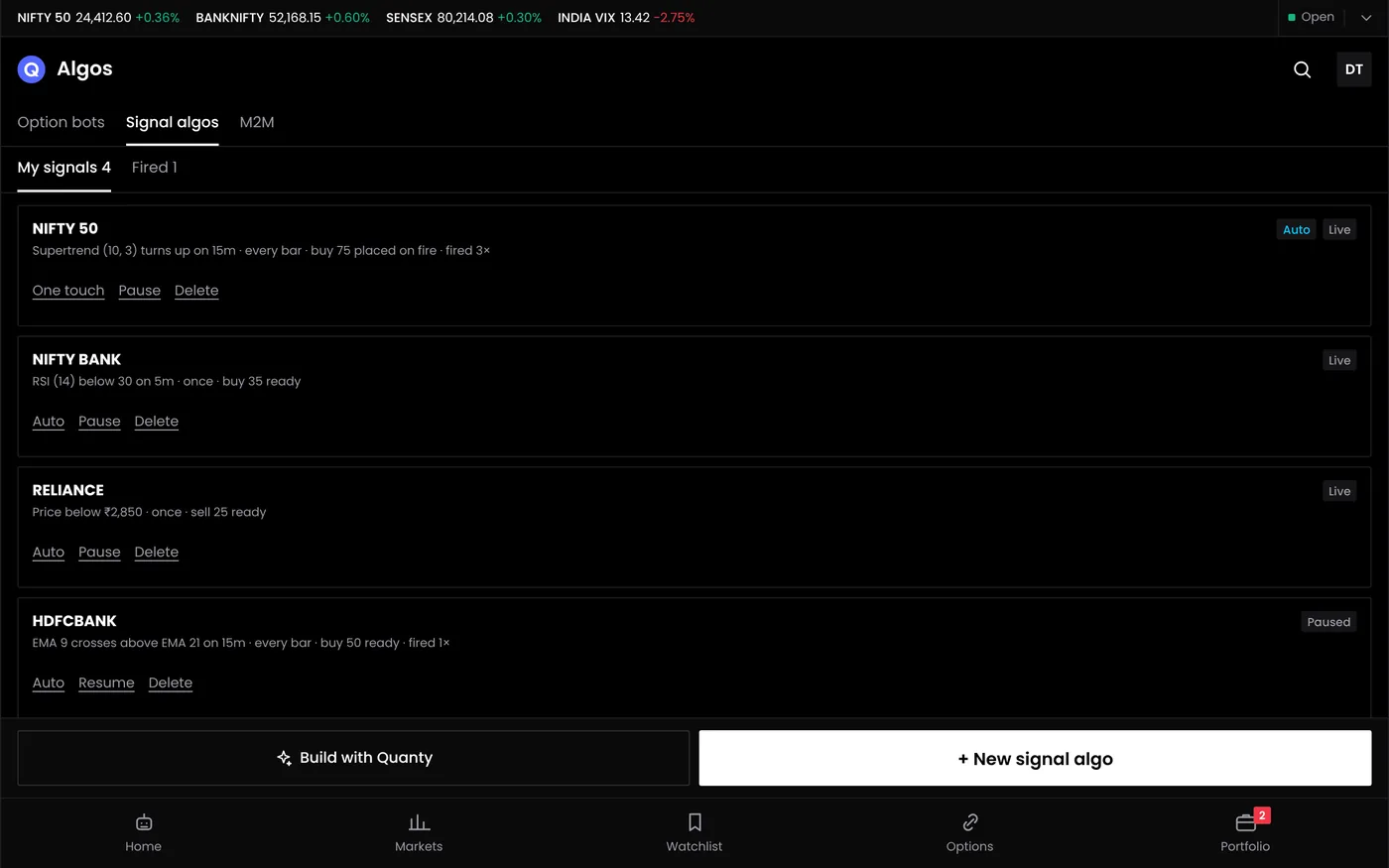
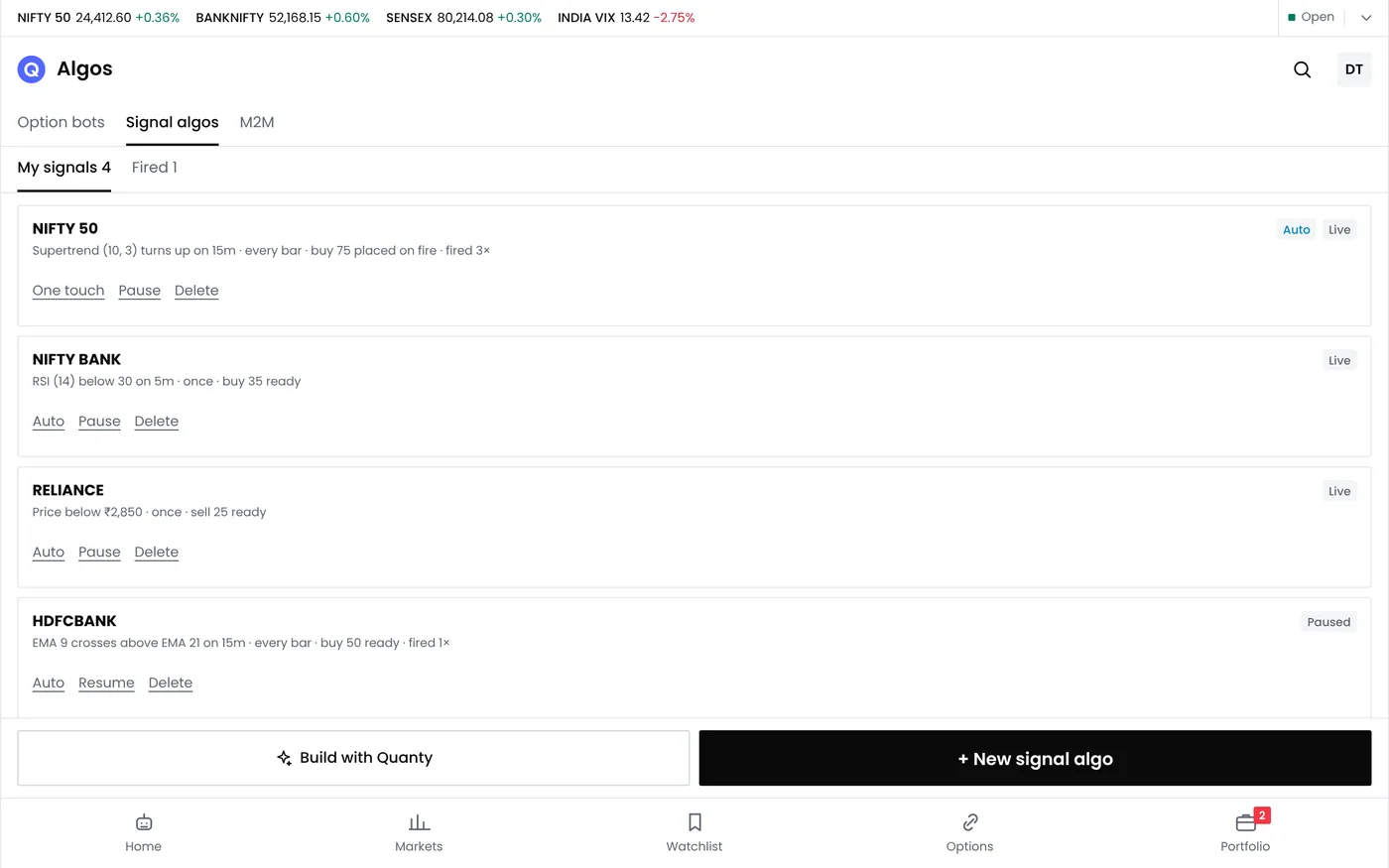
Signal trading links a user-authored indicator condition or an external TradingView alert to a proposed trade. In Automatic mode, an enabled strategy runs without per-signal approval. Confirmation mode waits for one-touch approval. Check that the mode and broker connection are Available in your release before activation. Native signal attribution becomes Signals provided by arth.live only when the native integration is verified; external TradingView alerts keep their source provenance.
Two kinds of signal
| Signal source | How it works | Suits |
|---|---|---|
| Indicator rules in QuantPower | You set conditions such as a moving average crossover, an RSI level or a Supertrend flip; QuantPower checks them on each candle | Traders who want everything in one platform |
| TradingView alerts | An alert on your TradingView chart sends a webhook to QuantPower | Traders who already chart and script on TradingView |
Both sources use the execution mode you choose. Automatic sends an eligible trade through the broker; Confirmation prepares it for one-touch approval, with your configured size and exits. The TradingView India page covers alerts in detail.
How signal trading works
- Create a signal rule. Pick the instrument (index futures, options or stocks), the condition, the timeframe and the side.
- Set the order. Choose lots or quantity, the order type, and for options the strike rule, such as at the money.
- Set the exits. A stop loss, a target, a trailing stop or an exit at a set time.
- Choose the mode and enable. Select Automatic or Confirmation, then enable the strategy.
- The signal fires. Automatic follows your saved rules; Confirmation waits for one-touch approval. Connection and broker checks still apply.
- Follow it live. The signals log shows each signal, the order it placed and the result.
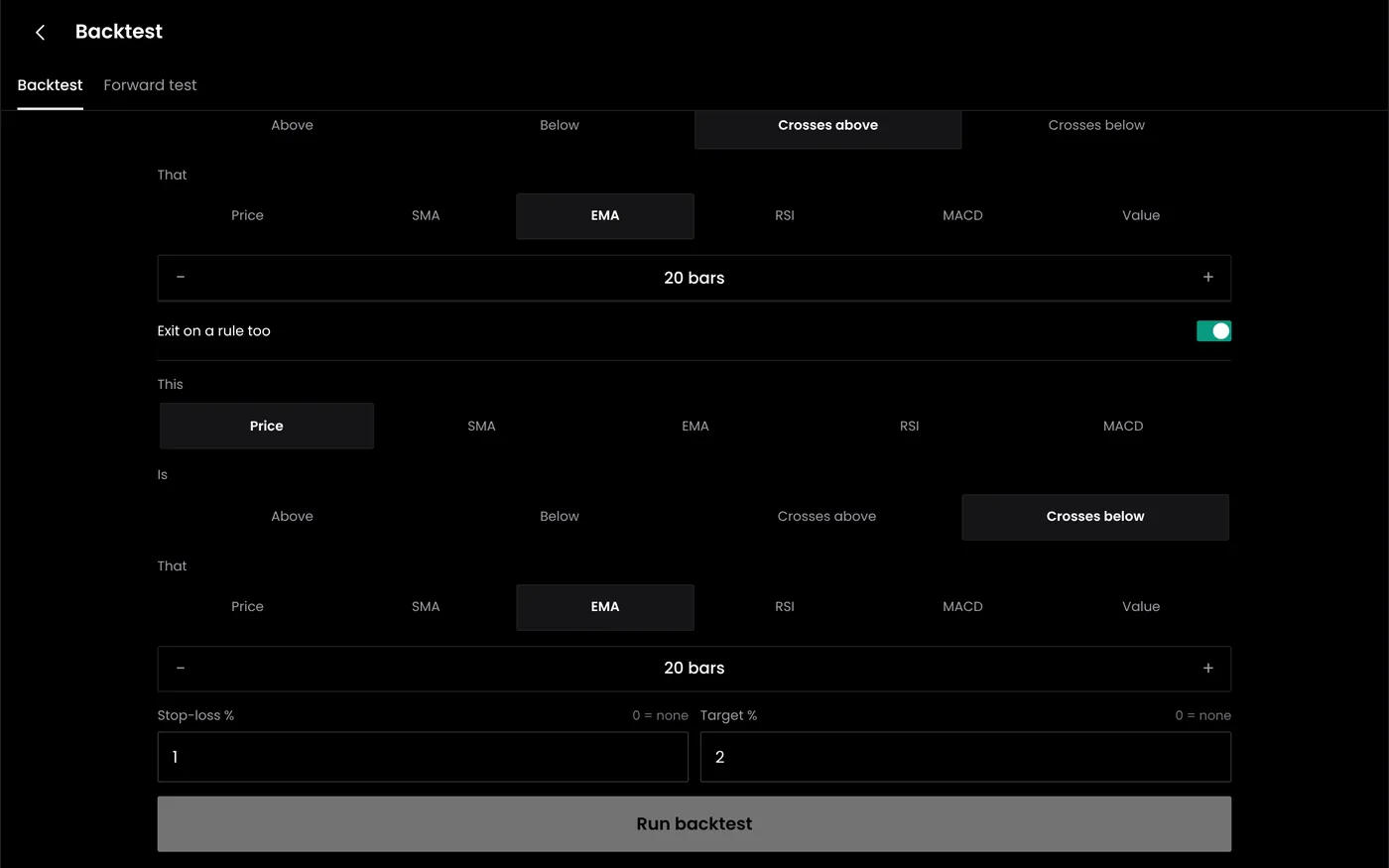
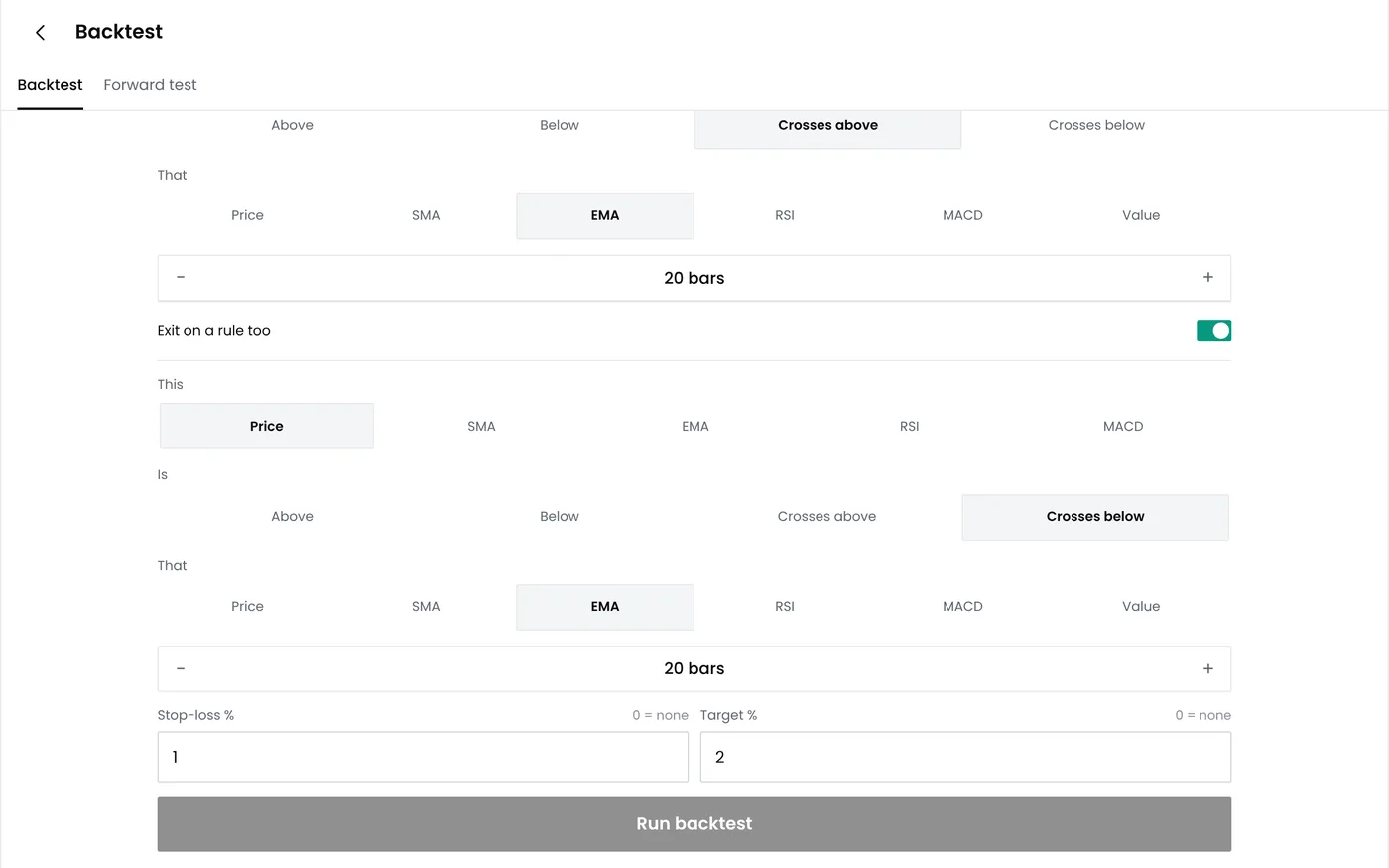
Chart signals and execution modes
A chart signal and a completed trade are different events. QuantPower uses the saved rule, size and exits in the selected Automatic or Confirmation mode. Delays, missing data, rejected orders and software errors remain possible.
| Step | Charting alone | Signal trading in QuantPower |
|---|---|---|
| Signal appears | An arrow or alert on the chart | The rule fires in QuantPower or an alert arrives |
| Order placed | By you, when you see it | Automatic once enabled, or one-touch in Confirmation mode |
| Size | Typed each time | Set once in the signal |
| Stop and target | Placed separately, if remembered | Attached to every trade |
| Daily loss limit | Your own discipline | Applied to all signals |
Signals you can build
| Signal | Condition | Typical use |
|---|---|---|
| Moving average crossover | A fast average crosses a slow one | Trend entries on futures or options |
| RSI level | RSI crosses below 30 or above 70 | Mean reversion entries |
| MACD cross | The MACD line crosses its signal line | Momentum entries |
| Supertrend flip | The indicator changes direction | Trend following with a built-in stop |
| VWAP cross | Price crosses VWAP after a set time | Intraday entries |
| Opening range breakout | Price breaks the first 15-minute range | Morning momentum trades |
Risk controls on every signal
- Fixed size. Lots or quantity are set in the signal, not in the alert, so a duplicate or mistaken signal cannot send a larger order.
- Stops and targets. Each signal carries its own exits.
- Time window. Signals can be limited to market hours or to part of the session.
- Daily MTM limit. When the day's combined loss reaches your limit, new signals stop and open positions are squared off. The guide on how to place stop loss order limits across all positions explains the setup.
- Pause all. One switch stops every signal.
Signals and options
A signal on Nifty or Bank Nifty can trade options instead of futures. A buy signal can buy the at-the-money call and a sell signal the at-the-money put, with the strike chosen when the signal fires and the stop set on the premium. Options lose value with time, so pair option signals with a time exit, and test the strike rule in paper mode first: the spread and the premium at the moment of the signal decide the fill.
Testing a signal before it trades
- Backtest the rule on historical data available from your broker.
- Paper trade it on live prices for several weeks.
- Check the log: one order per signal, at the expected time and size.
- Go live small, and raise the size only when live results match the paper results.
Common problems
| Problem | Cause | Fix |
|---|---|---|
| A signal fired twice | The condition was true on two candles, or the alert repeated | Use "once per bar close" and a cooldown between signals |
| No order on a valid signal | The broker session expired, or margin was short | Log in to the broker each day; check free margin |
| Order filled far from the signal price | A thin strike or a fast market | Use limit orders and liquid strikes |
| Too many trades on a choppy day | The rule has no filter for sideways markets | Add a trend or volatility filter, and a daily trade limit |
A worked signal: Supertrend on Nifty futures
A trader wants to follow the trend on Nifty futures without watching the chart all day:
| Setting | Choice |
|---|---|
| Instrument | Nifty futures, current month, 1 lot |
| Timeframe | 15-minute candles |
| Entry | Buy when Supertrend turns up; sell when it turns down |
| Stop | The Supertrend line, updated each candle |
| Time window | 9:30 am to 2:45 pm for new entries |
| Exit | Opposite signal, the stop, or 3:15 pm |
| Daily limit | Stop for the day after a loss of ₹6,000 |
Each rule is written once. During the day, QuantPower checks the indicator at every 15-minute close, places the order when it flips, moves the stop with the line and closes the position by 3:15 pm. The log keeps every signal and fill for review.
Choosing the timeframe and filters
Short timeframes give more signals and more false ones. A 5-minute rule on Nifty may fire several times on a sideways morning, each time paying charges of about ₹968 a round trip on futures. Longer timeframes, a trend filter such as a 50-period average, or a limit on trades a day reduce whipsaws. Test each filter in the backtest: it should improve the result after costs, not just reduce the number of trades.
Signal trading and SEBI's algo rules
Strategies run on broker infrastructure or the client’s own static IP setup, not Wisdom Tree Ventures servers. The required host and broker session must remain available; check your connection before relying on unattended operation.
Reviewing signals
Review each signal's results every few weeks: the number of signals, how many reached the target or the stop, the average result after costs and the worst day. A signal whose live results drift away from its backtest and paper results needs a closer look before it keeps trading. Pause it, check the log for changes in fills or timing, and test any change in paper mode first.
Plans
The QuantPower Standard plan is free during the Beta (₹299/month after); Professional is ₹499/month and Ultimate ₹999/month, GST extra. See pricing. Every plan starts with a free trial.
Related guides
- TradingView India: TradingView alerts turned into orders
- Option strategy builder: entry, exit and stop rules on the same legs
- Backtesting: testing rules on the history available from your broker
- Paper trading platform for options: running a strategy on live prices with virtual money
- How to place stop loss order: a daily loss limit across all positions
Start your free trial
Connect your broker, build a strategy and test it on paper before a single live order goes out.
Frequently asked questions
What is signal trading?
Applying your saved rules to an indicator condition or TradingView alert, automatically once enabled or through one-touch Confirmation mode.
Do I need TradingView to use signal trading?
No. You can build indicator signals inside QuantPower. TradingView alerts are an option for traders who already use it.
How many signals can I run?
The Standard plan is free during the Beta; see pricing for each plan's daily allowances.
Can signals trade options?
Yes. A signal on an index can buy or sell options, with the strike chosen when the signal fires and the stop set on the premium.
What stops a bad signal from losing too much?
The stop and target on each signal, the fixed size, the time window and the daily MTM limit, which stops all signals when the day's loss reaches your limit.
Which brokers work with signal trading?
See the Available-only broker list, or request your broker.
Sources
- QuantPower plans and features as listed on the live pricing page (checked 11 October 2026)
- SEBI: safer participation of retail investors in algorithmic trading, 4 February 2025