
Before you start
- A saved strategy. The create a strategy tutorial shows how to build one.
- A Professional or Ultimate plan, which include backtesting. There is no charge per backtest. See pricing.
- A question to answer. For example: "Does a 30% stop loss on each leg work better than 25%?" A backtest is most useful when it tests one idea.
Step 1: Open the backtest
- Open your strategy in Strategy builder.
- Select Backtest.
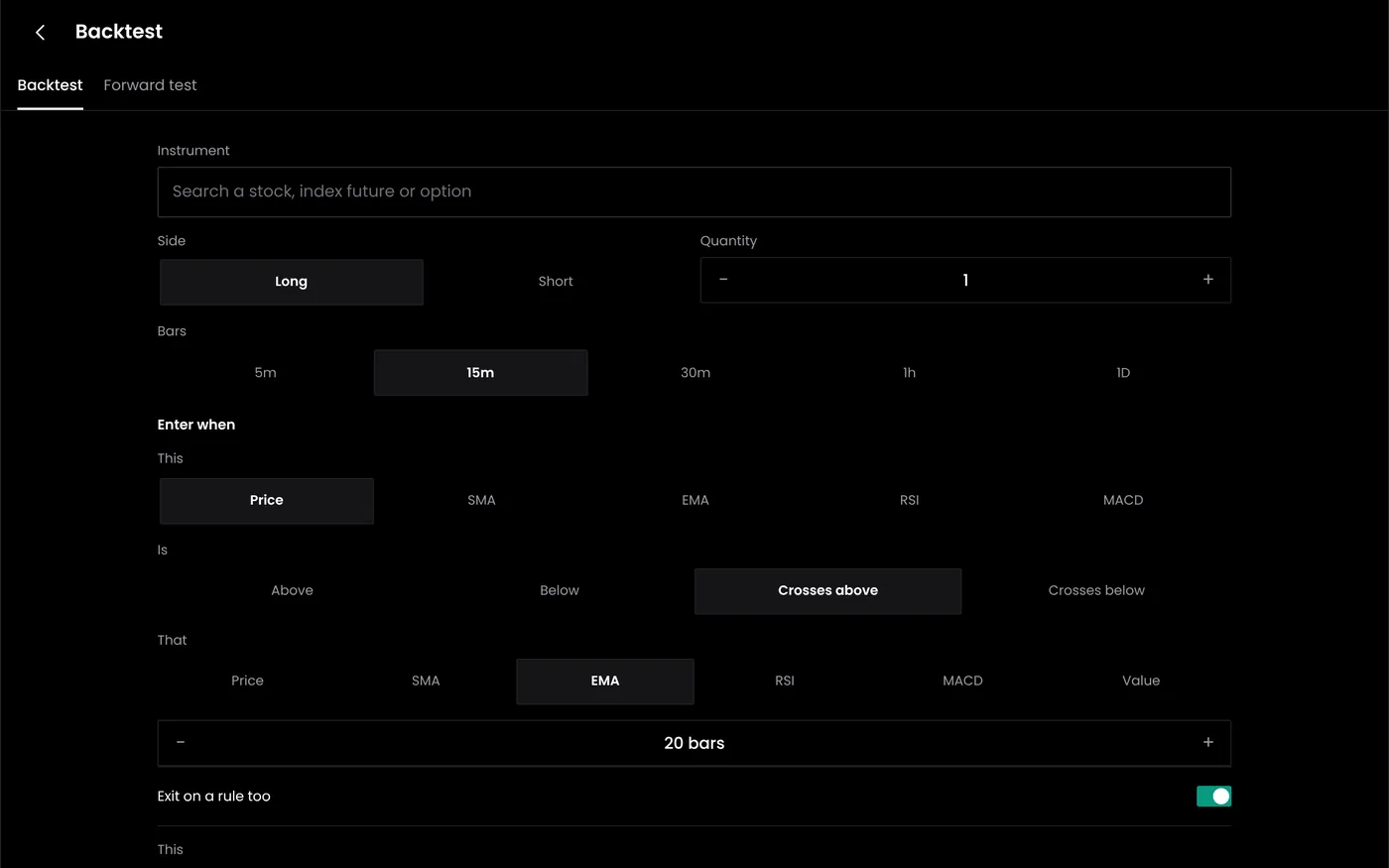
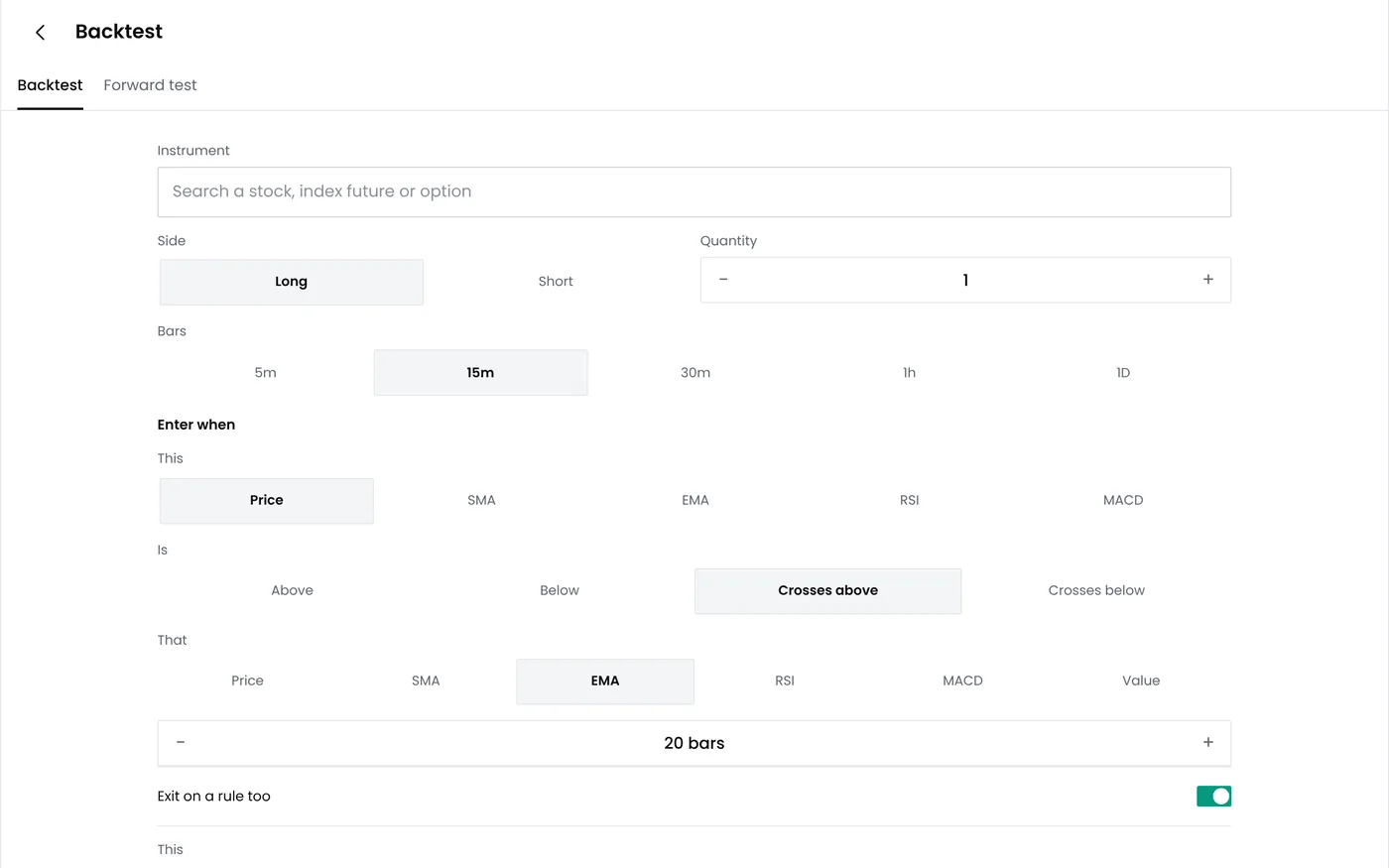
Step 2: Choose the period
Choose a period that includes different kinds of markets: trending months, range-bound months and at least one sharp fall or volatility spike. In this example the period runs from 1 January 2025 to 30 September 2026.
Short periods can mislead. A strategy that sells options can look excellent for months and then give back the gains in a few days. The longer the period, the more of those days it includes.
Step 3: Set the instrument and quantity
| Setting | Example | Notes |
|---|---|---|
| Underlying and expiry | NIFTY weekly options, nearest expiry | Nifty weekly options expire on Tuesdays |
| Quantity | 1 lot (65) | Nifty's lot is 65 from the January 2026 series and was 75 before it. Check which size older trades use |
| Starting capital | ₹2,00,000 | Used to show returns and drawdown as percentages |
Step 4: Add costs and slippage
Costs decide whether many option strategies make money at all.
- Brokerage: for example ₹20 per order. A short straddle with two entries and two exits a day pays four times that.
- Statutory charges: STT on options is 0.15% of the premium on sell orders from 1 April 2026, plus exchange, SEBI and stamp charges and GST. The STT tax calculator shows the full breakdown.
- Slippage: the gap between the price in the data and the price you would get. One point per order is a cautious starting point for liquid Nifty strikes; use more for thinner contracts. The slippage calculator helps estimate it.
Step 5: Run the test
Select Run backtest. The engine applies the rules on each trading day in the period and shows its progress. When it finishes, the run appears in the list of recent runs with its net P&L and maximum drawdown.
Step 6: Compare versions
Change one setting, run again and compare:
| Run | Change | What to compare |
|---|---|---|
| A | Stop loss 30% on each leg | Net P&L and maximum drawdown |
| B | Stop loss 25% | Whether the smaller stop cut the drawdown |
| C | Entry 09:30 instead of 09:20 | Whether timing matters |
If a small change swings the result from profit to loss, the strategy is fragile. Our guide to overfitting explains why the best-looking run is often not the one to trade.
Step 7: Read the results
The next tutorial, reading backtest results, goes through each metric, the equity curve and the trade list.
Common problems
| Problem | Likely cause | What to do |
|---|---|---|
| Very few trades | Period too short or conditions too strict | Lengthen the period or loosen a condition |
| Results look too good | Costs or slippage left out, or rules that use future data | Add costs and check the rules for look-ahead bias |
| Large single-day losses | Gap or event days | Keep them in the test. They will happen live too |
| Results change after editing | A setting changed with the edit | Compare the saved settings of both runs |
Next steps
- Read backtest results
- Start paper trading
- Learn the method in how to backtest trading strategies
Frequently asked questions
How long should the backtest period be?
Long enough to include calm and volatile markets. For intraday option strategies, a year or more is a sensible minimum.
Does the backtest include costs?
Yes, when you set them. Include brokerage, statutory charges and slippage so the results reflect what live trading would cost.
Can I backtest a TradingView strategy?
Backtests run on strategies from the strategy builder. Test TradingView strategies in TradingView, then paper trade them with signal trading.