
Before you start
- A Professional or Ultimate plan with the strategy builder. See pricing.
- Your rules written down in plain words. If you cannot write a rule as a sentence, it is not ready to automate. The no-code strategy design guide helps.
The rules in this tutorial
Buy one lot of Nifty futures when the 9-period EMA crosses above the 21-period EMA on a closed 15-minute candle, the close is above VWAP and the time is between 09:30 and 14:30. Exit at a 0.6% stop loss, a 1.2% target, an opposite crossover or 15:15.
This is a hypothetical example to show the settings, not a recommendation.
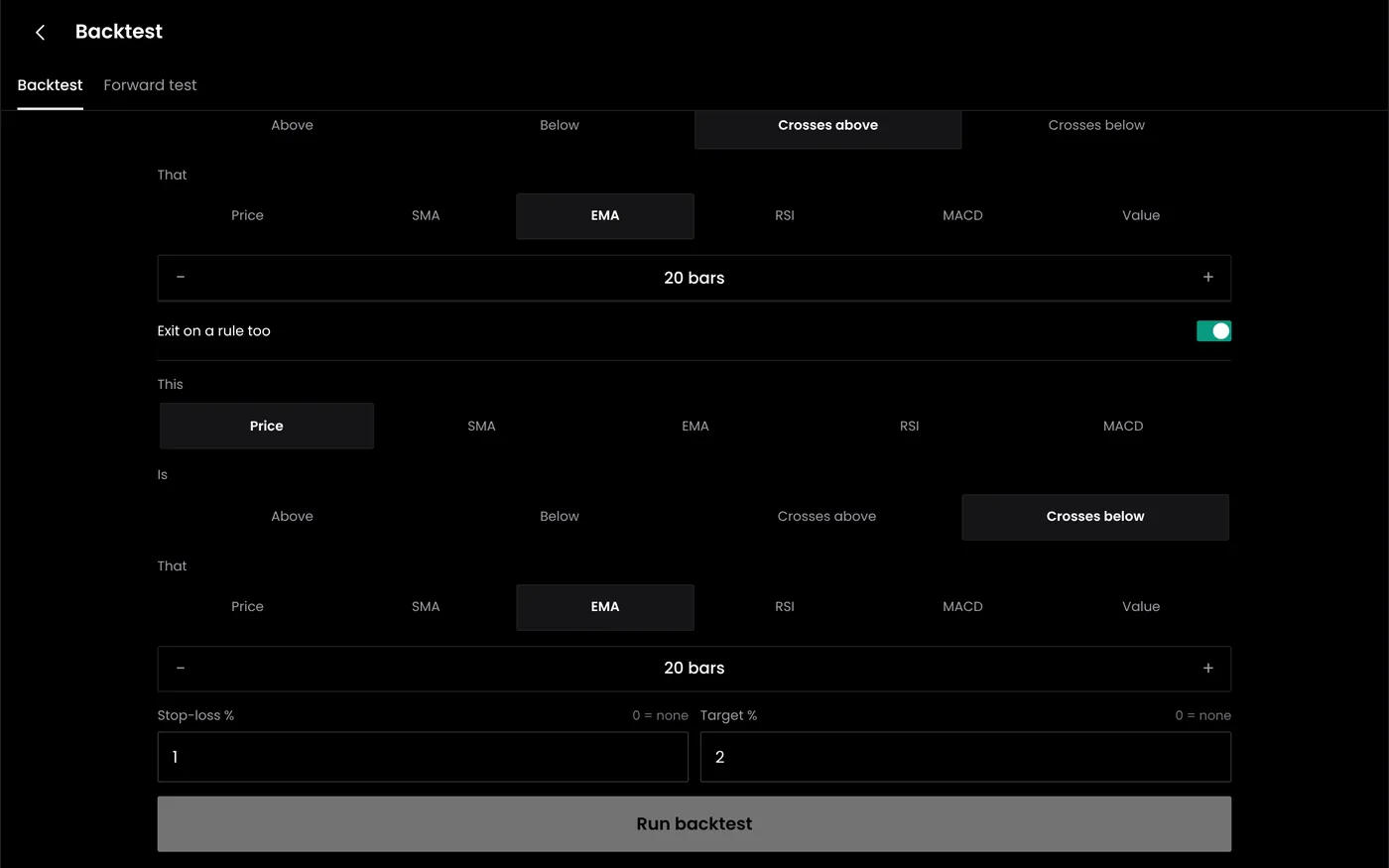
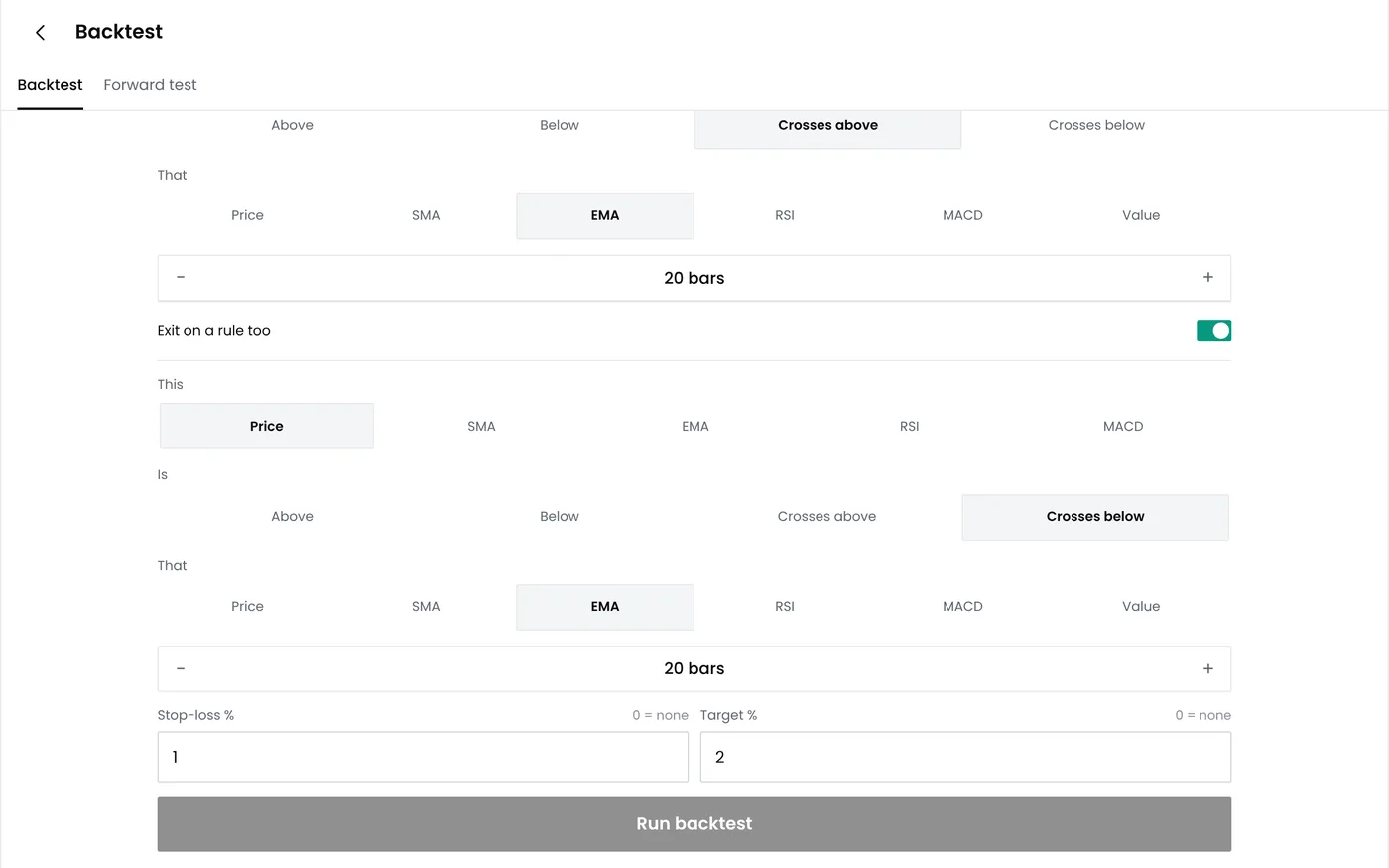
Step 1: Choose the instrument and candles
- Open Strategy builder and start a new strategy, or open one you saved.
- Choose the instrument: NIFTY OCT FUT in this example.
- Choose the candle interval: 15 minutes.
- Choose when conditions are checked: on candle close.
Checking on the close means a signal cannot appear and then vanish within the same candle. It also matches how a backtest reads the data, so live results stay closer to the test.
Step 2: Add the entry conditions
- Add the first condition: EMA (9), crosses above, EMA (21).
- Add a second: Close, is above, VWAP.
- Add a third: Time, is between, 09:30 – 14:30.
All conditions must be true at the same time for an entry. Each extra condition makes entries rarer. If a backtest shows very few trades, a condition is probably too strict.
| Condition type | Example | Use it for |
|---|---|---|
| Crossover | EMA 9 crosses above EMA 21 | Trend changes |
| Level | RSI (14) below 30 | Overbought or oversold readings |
| Price against an indicator | Close above VWAP | Filtering trades by trend |
| Time window | 09:30 to 14:30 | Avoiding the open and the close |
Our guide to technical indicators explains each indicator.
Step 3: Set the order
| Setting | Example | Notes |
|---|---|---|
| Side | Buy | A second rule set can handle sells |
| Quantity | 1 lot (65) | Set in lots |
| Order type | Limit | Controls the price you pay |
| Product | MIS | Intraday. Positions must close the same day |
Some brokers do not accept market orders in every contract. A limit order priced near the best bid or ask avoids that rejection.
Step 4: Set the exits
| Exit | Example | When it acts |
|---|---|---|
| Stop loss | 0.6% below entry | The price falls to the stop |
| Target | 1.2% above entry | The price reaches the target |
| Trailing stop | Move the stop to entry at +0.6% | Protects an open profit |
| Exit signal | EMA (9) crosses below EMA (21) | The trend condition reverses |
| Time exit | 15:15 | The session is about to close |
| Re-entry | Off | Stops a second trade after an exit |
Whichever exit comes first closes the trade. Keep the stop and target far enough apart to cover costs: on a ₹25,000 Nifty future, 0.6% is 150 points, or ₹9,750 a lot, which leaves room for brokerage and taxes. Our trailing stop-loss guide explains how trailing stops behave in fast markets.
Step 5: Read the summary
The builder repeats the rules in plain words. Read it as if someone else wrote it. If the summary says something you did not intend, such as an entry without a time limit, fix the rule now.
Step 6: Save and test
Save the strategy and run a backtest. Then check a few trades by hand against the chart to confirm each entry and exit happened where the rules say.
Common problems
| Problem | Likely cause | What to do |
|---|---|---|
| No trades in the backtest | Conditions are too strict | Remove one condition and test again |
| Too many trades | No time window or trend filter | Add a time window or a trend condition |
| Many small losses | Stop and target too tight for costs | Widen them, or test a longer candle interval |
| Exits seem early | A time exit or exit signal fired first | Check which exit closed each trade in the trade list |
Next steps
- Backtest the strategy
- Read about indicators and price action
- Automate indicator rules with signal trading
Frequently asked questions
Can I use TradingView alerts instead of builder conditions?
Yes. Signal trading can place orders from TradingView webhook alerts.
Can one strategy both buy and sell?
Set the long and short rules as separate rule sets, so each has its own entry and exits.
Why should rules act on closed candles?
An indicator can cross and uncross within a candle. Acting on the close avoids trades on signals that disappear.