
Before you start
- A connected broker with enough margin for the full order.
- A reason to split the order. Iceberg orders suit quantities that are large for the contract's liquidity, or larger than the exchange accepts in one order.
When to use an iceberg order
Exchanges set a maximum quantity per order, called the freeze quantity, for index options and futures. An order above it must be split. Even below the limit, a large order can move the price against you, and a visible large order tells other traders your size. An iceberg order places the quantity in smaller slices, one after another. Our iceberg orders page explains the order type.
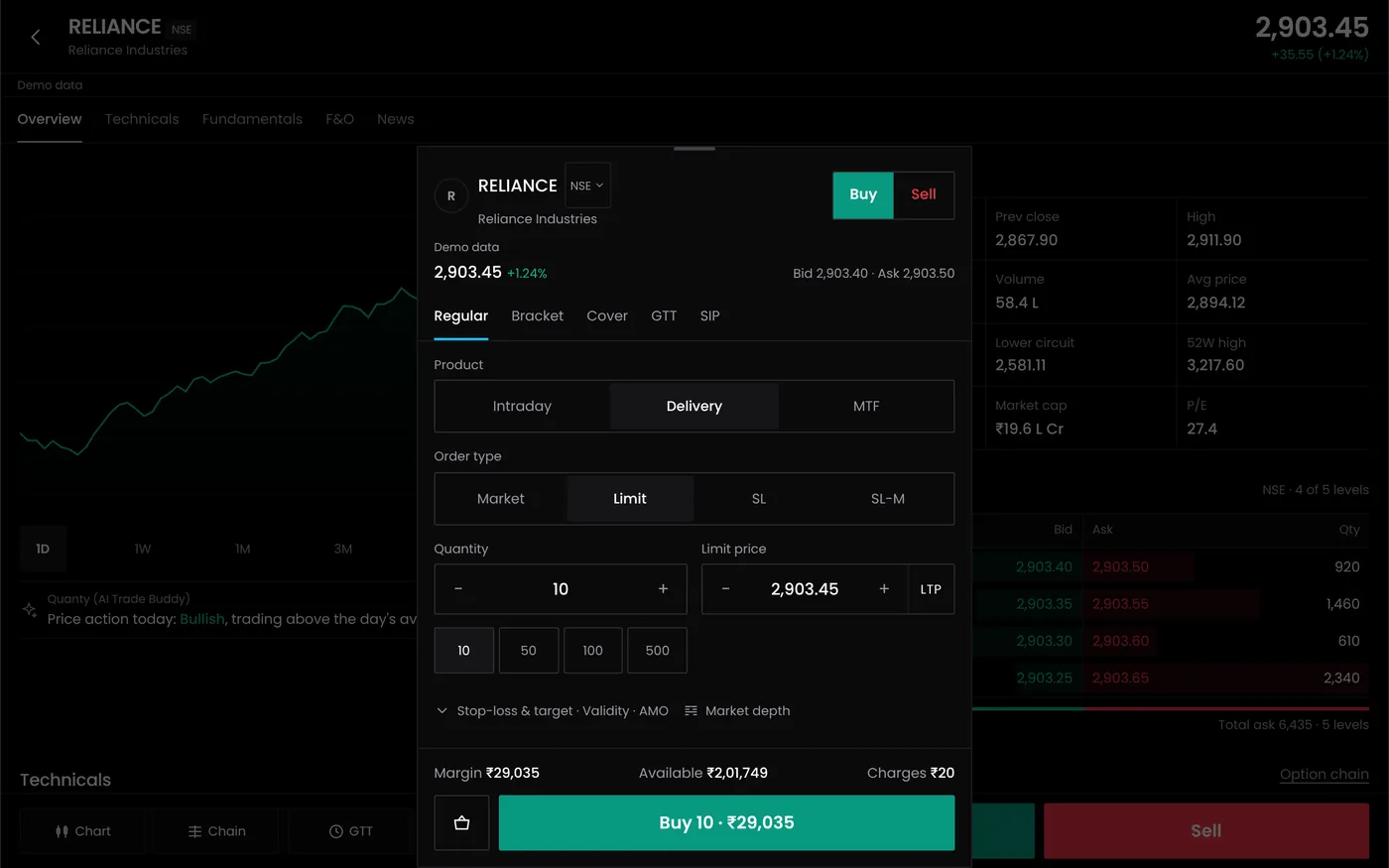
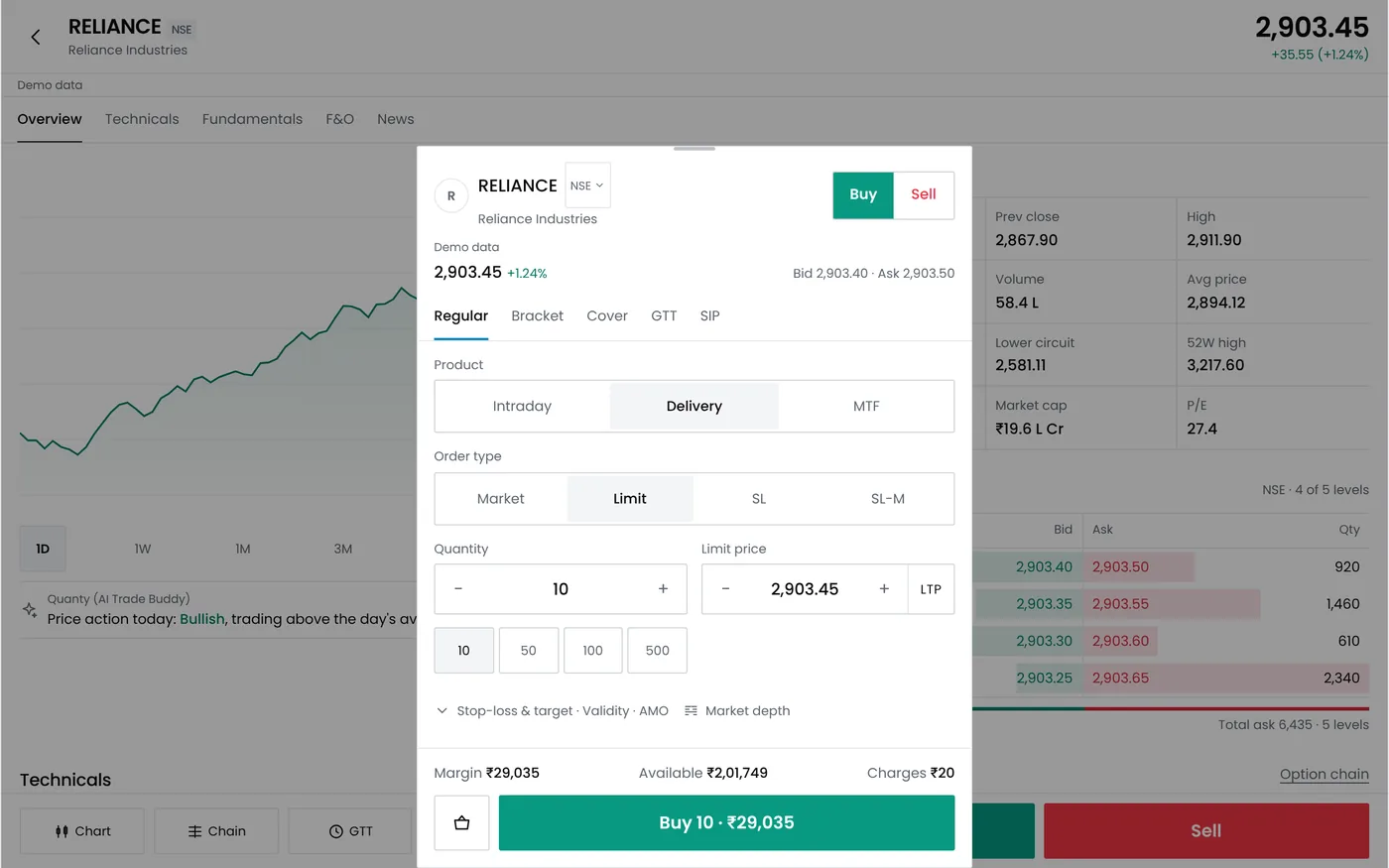
Step 1: Open the order panel
- Open Terminal.
- Choose Buy or Sell.
- Choose the instrument, such as NIFTY 20 OCT 25000 CE.
Step 2: Choose Iceberg
Select Iceberg as the order type.
Step 3: Enter the total quantity and slices
| Setting | Example | Notes |
|---|---|---|
| Total quantity | 2,600 | 40 lots of 65. Must be a whole number of lots |
| Slices | 4 | 650 units, or 10 lots, in each slice |
| Limit price per slice | 280.50 | Each slice is a limit order at this price |
| Product | NRML | Carry forward. Use MIS for intraday |
Each slice must also be a whole number of lots and within the exchange's freeze quantity.
Step 4: Check the cost and place the order
The panel shows the premium for the full order and your available margin. In the example, 2,600 units at ₹280.50 cost ₹7,29,300 in premium. Select Place iceberg order.
Step 5: Follow the slices
Each slice is a separate order with your broker. The next slice goes out when the previous one fills.
| Slice status | Meaning |
|---|---|
| Complete | The slice filled in full |
| Open, partly filled | Part of the slice filled; the rest waits at your price |
| Waiting | Not sent yet, because an earlier slice is still open |
The progress bar shows the filled quantity, 1,560 of 2,600 in the example.
Step 6: Change or cancel
- If the price moves away, later slices may not fill at your limit. Modify the price of the open slice, or cancel and place a new order.
- Cancelling stops the remaining slices. Slices already filled stay in your position.
Things to know
- Partial fills are normal. Check the filled quantity before placing hedges or exits.
- Prices can differ between slices, so the average price may be worse than the first fill.
- Margin is checked on each slice by your broker, so a slice can be rejected if margin runs short.
The slippage calculator estimates the cost of filling a large order, and our guide to order types compares iceberg orders with other types.
Common problems
| Problem | What to do |
|---|---|
| Rejected: quantity above freeze limit | Use more slices so each one is within the limit |
| Rejected: quantity not a multiple of lot size | Set the total and the slices in whole lots |
| Slices stopped filling | The price moved past your limit. Modify or cancel the open slice |
| Part of a slice rejected for margin | Add funds or reduce the total quantity |
Next steps
- Manage open positions
- Read about order book dynamics
- Read the order rejections help
Frequently asked questions
Is an iceberg order one order or many?
Many. Each slice is a separate order with your broker, placed one after another.
Can I use market orders for slices?
Limit orders control the price of each slice. Many brokers restrict market orders in options, so limit slices are the safer choice.
What happens if I cancel?
Unfilled slices are cancelled. Filled slices stay in your position.